
Auto-Redistribute
Automatically turn new blog posts into social content.
Auto-redistribute turns new entries from your redistribute-type RSS feeds into draft social posts, on every daily workflow run.
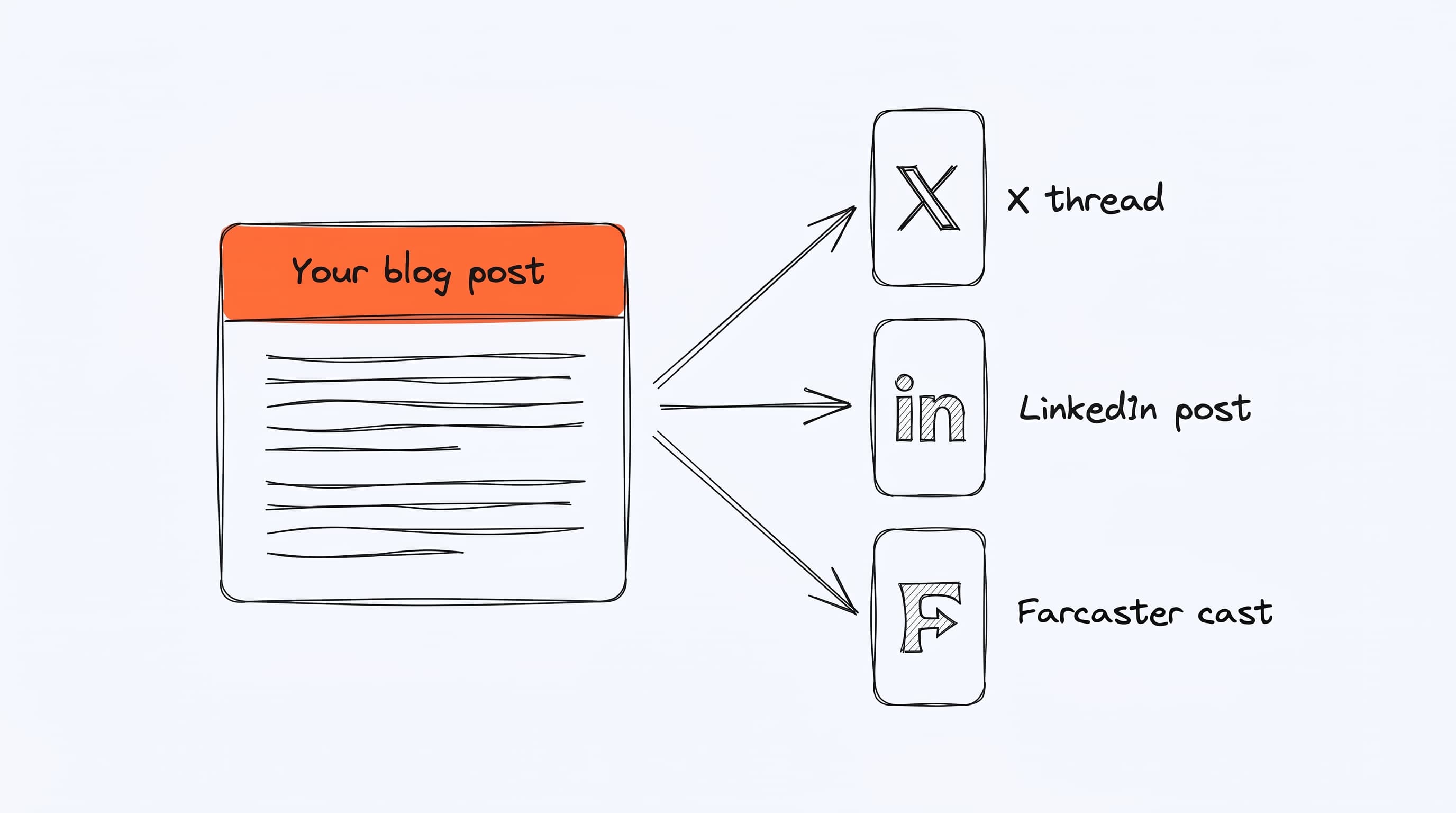
You wrote the long-form piece once. Borker handles turning it into platform-native versions for each of your channels — so the work of one blog post becomes a week of social content without copy-pasting.
Enabling it
Settings → Schedule → Workflow Automation → toggle Auto-redistribute blog posts on. You also need at least one feed marked as Redistribute type in Settings → News → RSS Feeds.
What it does during a daily run
- Fetches all redistribute-type feeds
- Filters to posts published in the last 7 days
- Skips posts that have already been processed (tracked by URL)
- For each new post, and for each channel selected on the feed (or all
active X/LinkedIn channels if none):
- Generates an AI-adapted version for that channel
- Creates a content item in Pipeline → Review
- Marks the URL as processed
- Optionally creates a founder reshare draft on LinkedIn (if the feed's settings have it enabled)
Per-feed channel selection
When you add a redistribute feed, you pick which channels should get content from it. This is honored by auto-redistribute — a feed that targets only "Acme Inc LinkedIn" will not generate X posts, even if you have X connected.
If a feed has no channels selected, auto-redistribute falls back to all active X and LinkedIn channels.
See Content Redistribution for the full feature walkthrough.
What gets generated per blog post
For each selected channel, one content item:
- X: a thread (2–3 posts by default, configurable)
- LinkedIn: a single longer post with professional tone
- Farcaster: a cast (280 chars)
- Paragraph: rarely used for redistribution
The generated content quotes or paraphrases the blog post, includes a link
back, and attaches the blog post's hero image (extracted from the RSS
feed's <media:content>, <enclosure>, or <img> in <content:encoded>).
What gets skipped
- Posts already marked as processed (URL in
news_cachewithprocessed=true) - Posts older than 7 days
- Posts from disabled feeds
- Posts you explicitly Skipped from the News → My Content tab
Manual control (when auto is off)
If auto-redistribute is off, new blog posts still appear in News → My Content with status Pending. You review them and click Generate Social Posts on the ones you want to redistribute. Everything else behaves the same.
Regenerating
If you want to redo a blog post (better prompt, new channels, etc.), use the Regenerate button on that post's row in News → My Content. This deletes the old content items and generates new ones with the current feed settings.
Founder reshare
If a feed's settings have "Auto-generate founder reshare" enabled, and you have both a company LinkedIn channel and a founder LinkedIn channel connected, auto-redistribute will create a second draft on the founder channel quoting/resharing the company post.
Disabling auto-redistribute
Toggle off in Settings → Schedule → Workflow Automation. The feed is still monitored (new posts show up in News → My Content) but nothing generates automatically.
Auto-redistribute can generate many drafts per day if your blog posts often. A single new blog post with 3 target channels = 3 drafts. A founder reshare adds a 4th. Budget your Pipeline review time accordingly.